Log-in issues
If you are experiencing issues when trying to log in, you can follow the guide below:
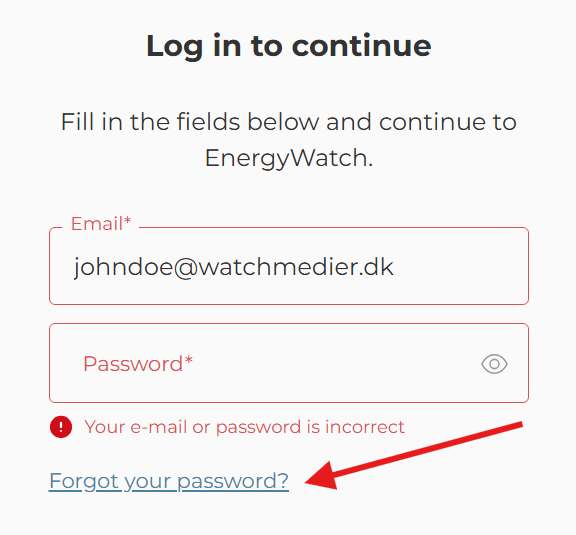
- Check the e-mail used for login. If you have access to more than one of Watch Medier’s publications, the same e-mail should be used for all logins.
- Reset your password via the link "Forgot your password?". You will receive an e-mail with another link, where you can create a new password (If the e-mail is not received, check your spam-filter).
- Once you have created your new password, go back to the front page on the site and press CTRL + F5 before you log in again.
- If this does not work, try to open the page and log in, in a private or “incognito” mode in your browser. Right click on your browser icon and choose “New incognito/New InPrivate window” to open an incognito window.
- If it is still not working, try to clear cookies and caches in your browser by pressing CTRL + SHIFT + DELETE before you try to log in again.
- Contact our support team at : help@infowatch.dk